

This feature is only available with an active Enterprise license. Please add your license key to activate it.
context:data_engineering userId- search foruserIdacross all repos related to Data Engineering.context:k8s ingress- search for anything related to ingresses in your k8’s configs.( context:project1 or context:project2 ) logger\.debug- search for debug log calls in project1 and project2
context object inside of a declarative config. Repositories can be included / excluded from a search context by specifying the repo’s URL in either the include array or exclude array. Glob patterns are supported.
Example
Let’s assume we have a GitLab instance hosted athttps://gitlab.example.com with three top-level groups, web, backend, and shared:
web: For all frontend-related codebackend: For backend services and shared APIspipelines: For all CI/CD configurations
Repository URL details
Repository URL details
context:web login formsearches for login form code in frontend repositoriescontext:backend authsearches for authentication code in backend servicescontext:pipelines deploysearches for deployment configurations
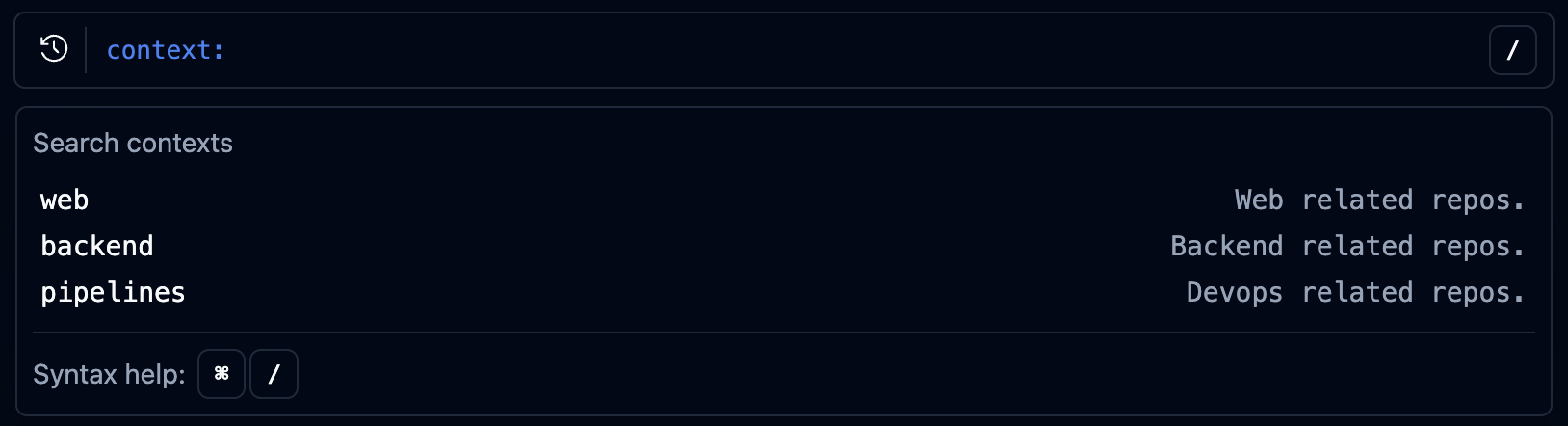
- or combined using or:
-context:webexcludes frontend repositories from results( context:web or context:backend )searches across both frontend and backend code
Schema reference
Reference
Reference